
Announcements
Put a message in front of everybody on your server, now, at a set time or on a repeat, with a sound to match how urgent it is.
On this page
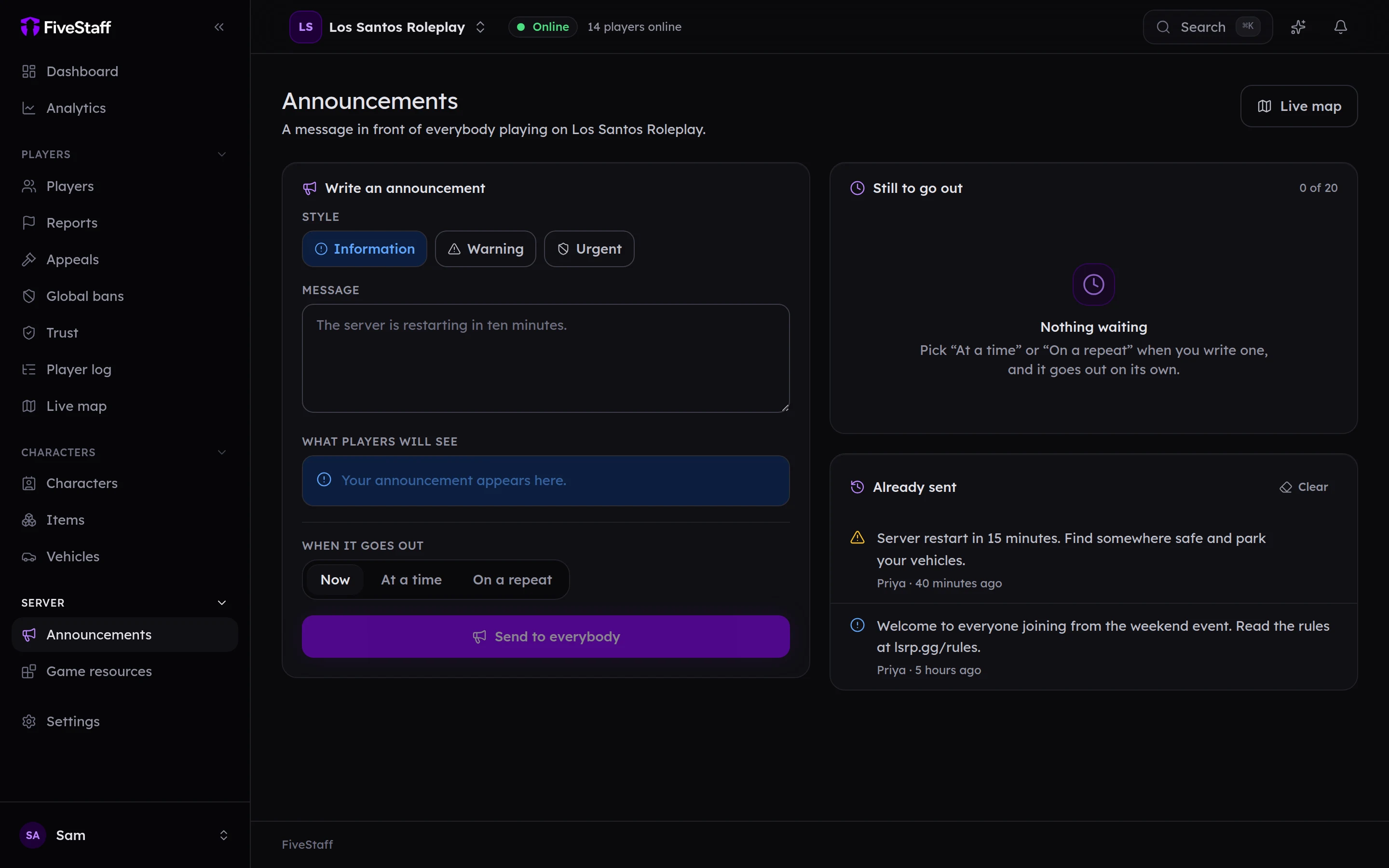
Announcements put a message at the top of every player's screen. Open Announcements in the sidebar, or press Announce on the dashboard.
Writing one#
- Choose a Style: Information, Warning or Urgent.
- Write the Message, up to 500 characters. What players will see shows a preview as you type.
- Choose When it goes out: Now, At a time or On a repeat.
- Press the button at the bottom. Sending one now asks you to confirm, because it cannot be taken back.
What players see#
The message appears at the top of the screen, stays for a few seconds depending on its length, then goes away by itself. It does not stop anybody playing.
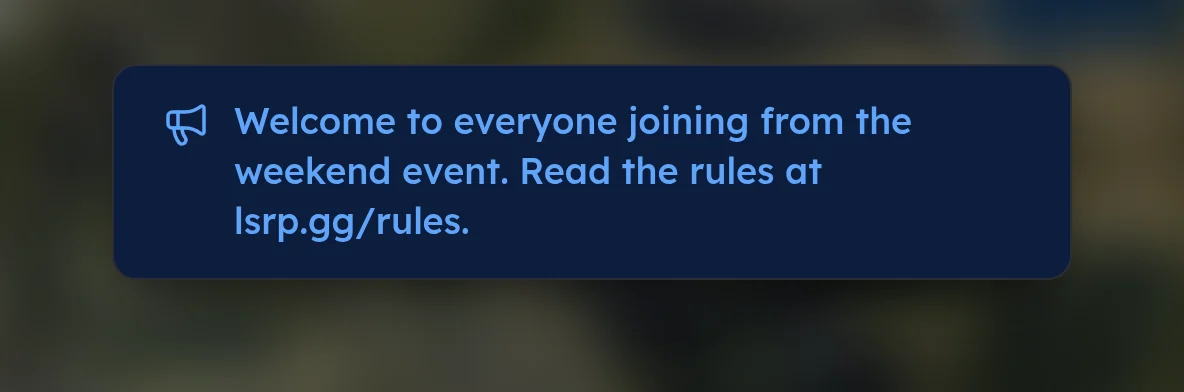
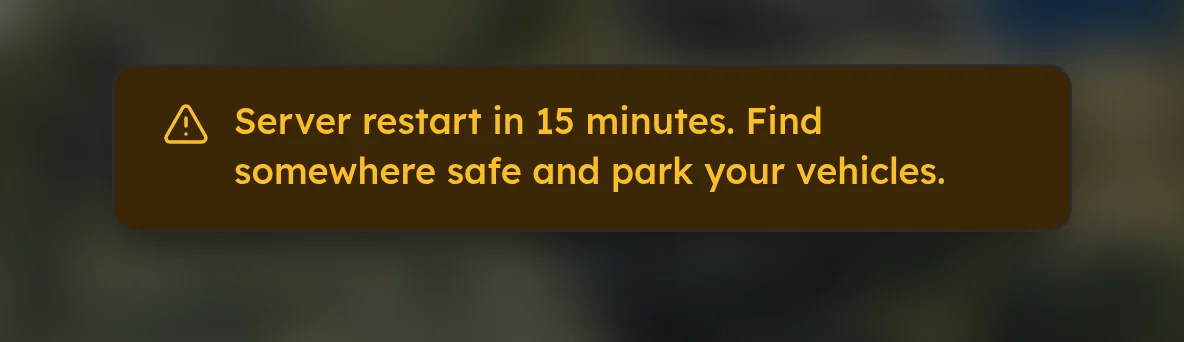
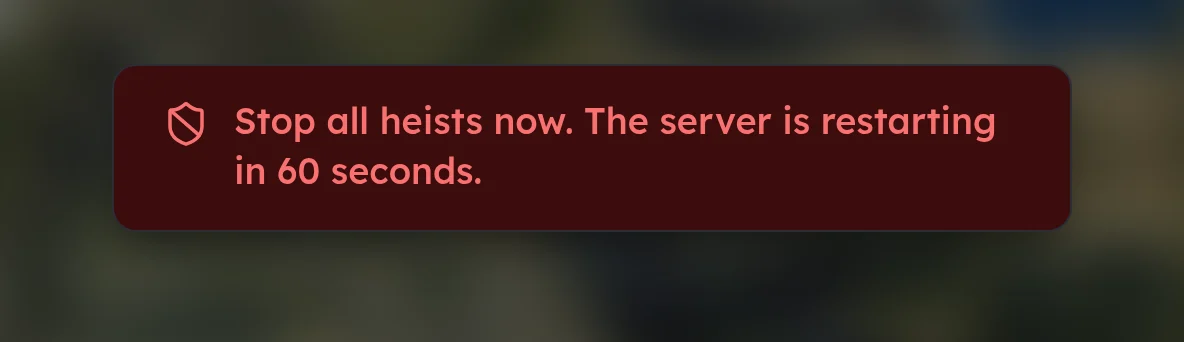
Information and Warning play a chime. Urgent plays a different, more noticeable sound, so keep it for things players must act on.
Scheduling#
- At a time sends it once, at the time you choose, in your own time zone. In about ten minutes fills the time in for you.
- On a repeat sends it every so often, such as every hour. The shortest gap is five minutes. Choose when the first one goes out, and optionally when to stop. Otherwise it repeats until you pause it.
Scheduled announcements go out on time whether or not anybody is in the panel.
Still to go out lists everything waiting, up to 20 per server. Each one has a menu to Edit, Pause, Start again or Delete it.
Already sent lists what has gone out. Clear empties the list; the audit log still keeps every announcement.