
Live view
Watch a player's game screen from the panel, without joining the server and without the player knowing, and act on what you see.
On this page
Live view shows you a player's game screen, live, in the panel. You do not need to join the server, and the player is not told.
Starting a watch#
Open the player's profile and press Watch live, or press their dot on the live map and choose Watch. Then press Watch. The picture appears within a few seconds.
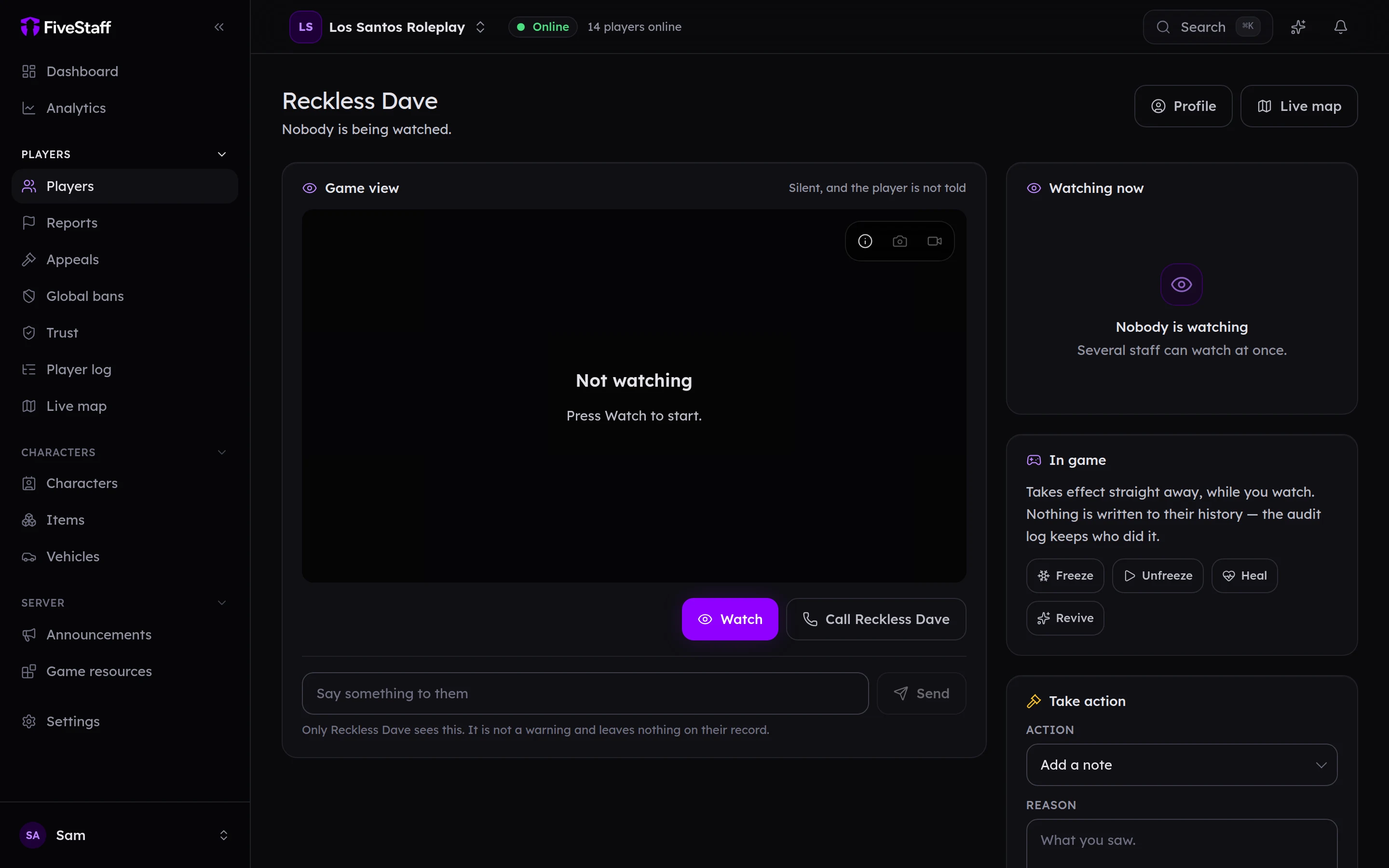
The picture is video only, with no sound. The player sees nothing at all: no prompt, no icon and no sound.
If the picture stops, the card says why. The most common ones are:
| It says | What it means |
|---|---|
| Starting | Waiting for the player's game to start sending. |
| Tabbed out | They have switched away from the game. It comes back when they return. |
| Limited | Live, but lower quality because their connection or computer cannot keep up. |
| Reconnecting | The picture dropped out and is coming back by itself. |
Each member of staff can watch one player at a time. Starting another watch ends the one you had. A watch also ends a little after you close the page.
On the picture#
- Take a still: saves a picture of their screen.
- Record what happens next: records up to 90 seconds.
Afterwards you can save it to your computer, start a New report with it, or attach it to one of the player's open reports.
In game#
The In game card acts on the player straight away, while you watch.
- Freeze and Unfreeze: stops them moving until you unfreeze them.
- Heal: heals them.
- Revive: gets them up if they are down.
These are not written to the player's history, but the audit log records who did them.
Send them a message#
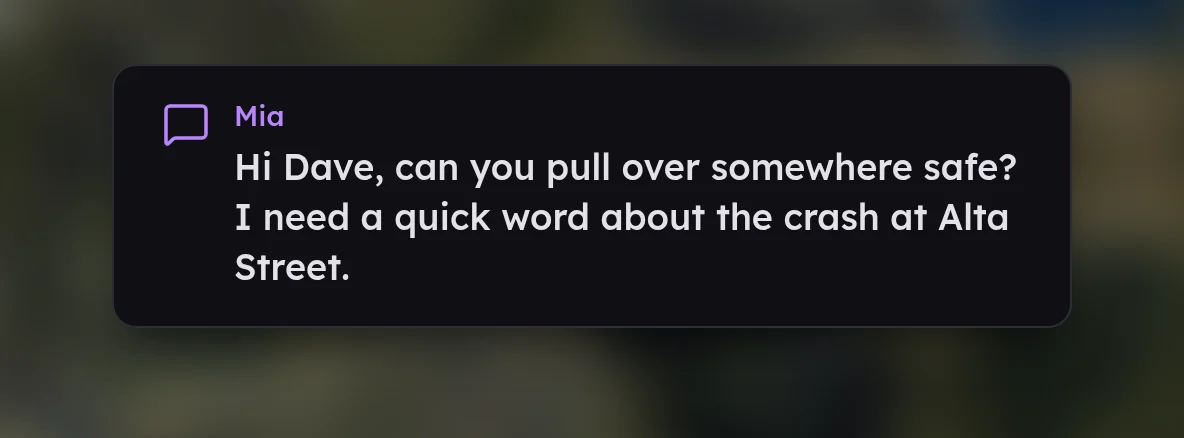
Type into Say something to them and press Send. Only that player sees it, it plays a sound and it disappears on its own. It is not a warning, and it leaves nothing on their record. Messages can be up to 280 characters.
Take action#
The Take action card works just like the one on the profile: add a note, commend, warn, kick or ban. See warnings, kicks and bans.
Permissions and the audit log#
Watching needs Watch live view. The In game buttons and private messages each need their own permission. Every watch is written to the audit log, and posted to Discord if you have a watch sessions channel.