
The mobile app
The FiveStaff app for iOS and Android is coming soon. What it will do, and how to use FiveStaff on your phone until then.
On this page
The app will put the panel on your phone: reports, players, bans and appeals, the live map, live view and calls, announcements and more. Your role will be the same as in the panel, so nobody can do more on a phone than at a desk.
Until then#
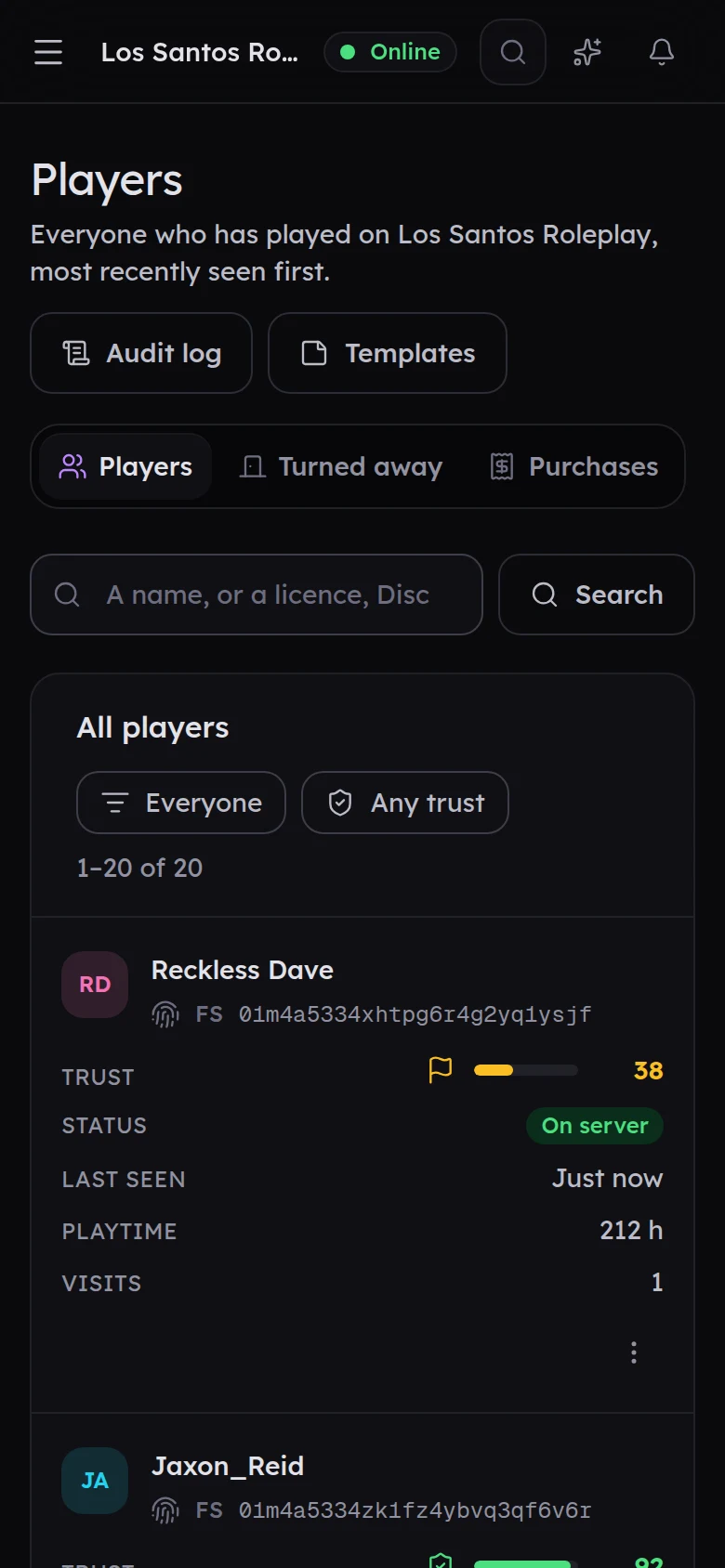
The panel works fully in your phone's browser. Go to panel.fivestaff.gg and sign in with Discord. Every screen fits a phone, and tables turn into cards so nothing is hidden.
What the app will add#
- Push notifications for new reports, reports assigned to you, trust flags, the join queue, appeals and your alert rules. You can choose these under your alerts now, and they will reach your phone from the day you sign in to the app.
- Lock screen widgets with your open reports and who is online.
- Face ID or fingerprint to confirm anything that removes something, such as a ban.
- Calls that keep going when your screen locks.
Signing in, when it is out#
You will sign in with Discord, then approve the phone from somewhere you are already signed in, under Your account → Devices in the panel. You will be able to have one phone signed in at a time.