
Who may join
Open your server to everybody, or only to an allow list, your Discord members, a Discord role or your staff. Your staff always get in.
Who may join decides who can connect to your server at all. It is checked as each player connects, after bans. Go to Settings → Who may join.
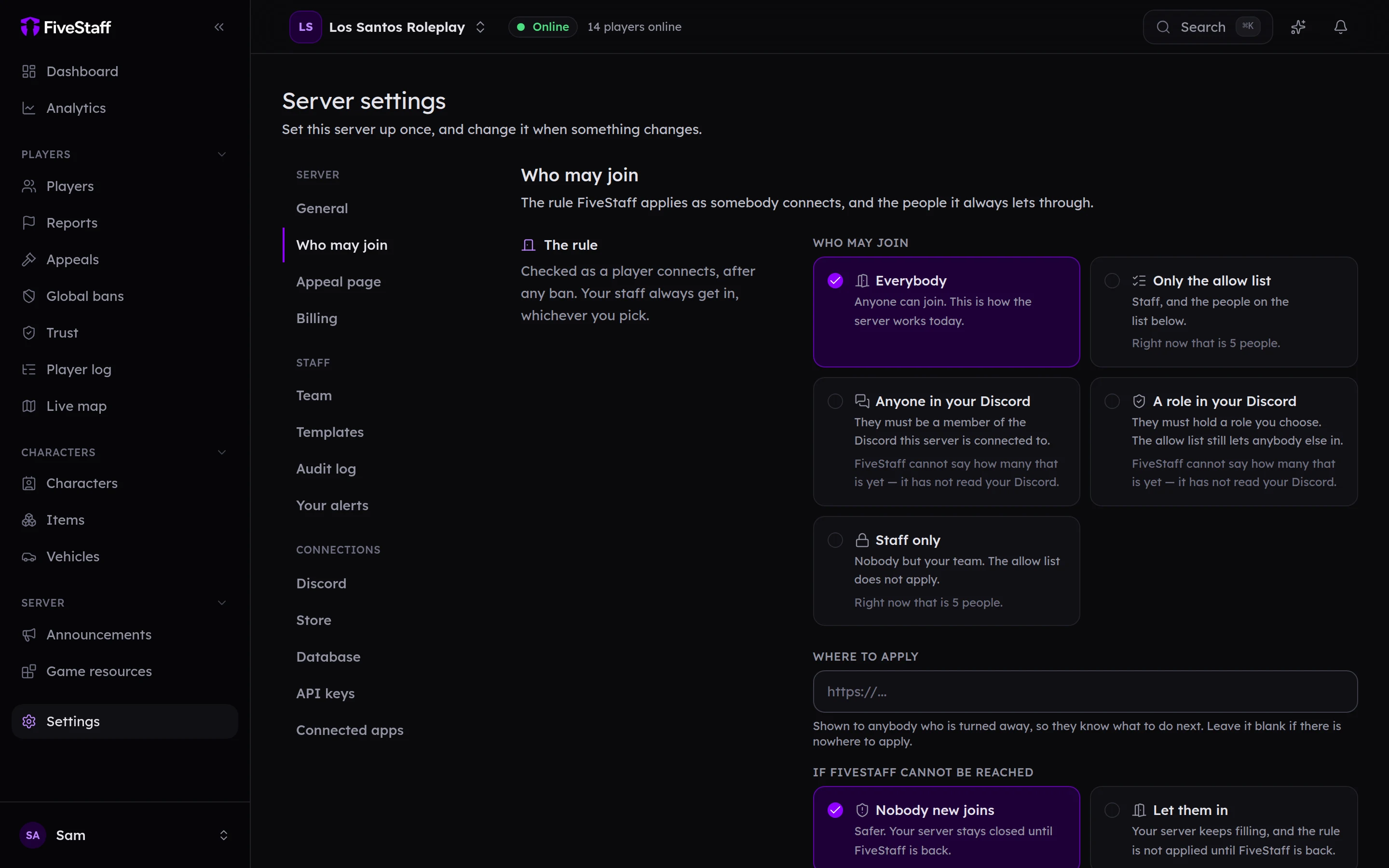
The rule#
| Choice | Who gets in |
|---|---|
| Everybody | Anybody who is not banned. This is the default. |
| Only the allow list | Only people you have added to the allow list. |
| Anyone in your Discord | Anybody who is a member of your Discord server, plus the allow list. |
| A role in your Discord | Anybody with the Discord role you choose, plus the allow list. Ideal for a "Whitelisted" role. |
| Staff only | Only your staff team. Useful while you work on the server. |
Your staff always get in, whichever you choose. Each choice says how many people it covers right now.
The two Discord choices need Discord connected. Players must have Discord open when they start FiveM so FiveStaff can see who they are; if they do not, they are told to open it and try again.
Press Save in the bar at the bottom. Players already on the server are not removed when you change the rule.
Where to apply#
Put a link in Where to apply, such as your whitelist application form. Everybody who is turned away is shown it.
If FiveStaff cannot be reached#
Choose what happens to new players if your server cannot check with FiveStaff for a moment:
- Nobody new joins: the safer choice, and the default. Players already on stay.
- Let them in: your server keeps filling, and the rule is not applied until FiveStaff is back.
Bans are enforced either way, because your server keeps its own copy of them.
The allow list#
Under The allow list, add people by identifier:
- Choose what you are adding them by under Held as: licence, Discord, FiveM or Steam.
- Paste the Identifier.
- Optionally say Why, and Until when they should come off the list.
- Press Add.
If you take applications in Guildbase, connect it and accepted applicants are added for you. Staff can also add people from Discord with /allowlist add, and from in game with /allowlist add followed by the player's server ID. Players turned away for not being on the list can be added with one press from turned away.
What players see#
A player who is not allowed in is told why on FiveM's connecting screen, for example "This server is allow list only." or "You need to be in our Discord to play here.", followed by your Where to apply link.