
Game resources
See every resource your game server is running and start, stop or restart them from the panel.
On this page
Game resources lists what your game server is running right now, asked of the server itself. Open it from the sidebar.
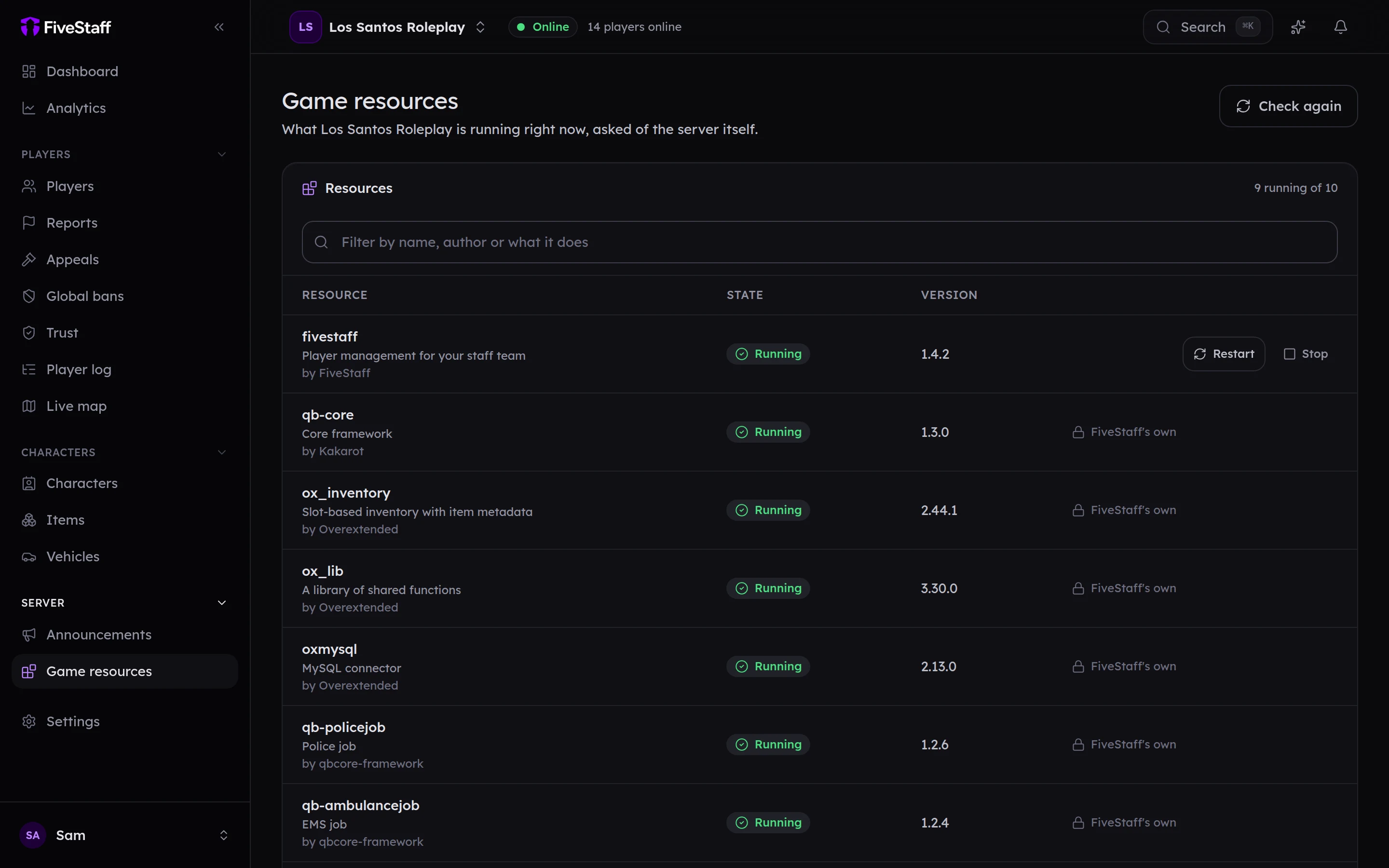
- Use the filter box to find a resource by name, author or description.
- Check again asks the server for a fresh list.
- Each resource shows whether it is Running, Stopped, Starting, Stopping, Missing or Not loaded, and its version.
Starting, stopping and restarting#
Use the buttons on each row:
- Start starts a stopped resource.
- Restart stops it and starts it again. Everybody loses what it does for a moment.
- Stop stops it until somebody starts it again.
Restart and Stop ask you to confirm. Every start, stop and restart is written to the audit log.
FiveStaff's own resource is marked FiveStaff's own and cannot be stopped from here.
What it needs#
- Looking needs See what is running on the server. Acting needs Start, stop and restart resources.
- Your
server.cfgneeds theadd_acelines from server config and permissions. Without them, your server will not let FiveStaff start or stop anything.