
Turned away
See every player your server refused as they tried to connect, why, and exactly what they were told, and let them in with one press.
Turned away lists every player your server refused at the door, and what each of them was told. Open Players and choose the Turned away tab.
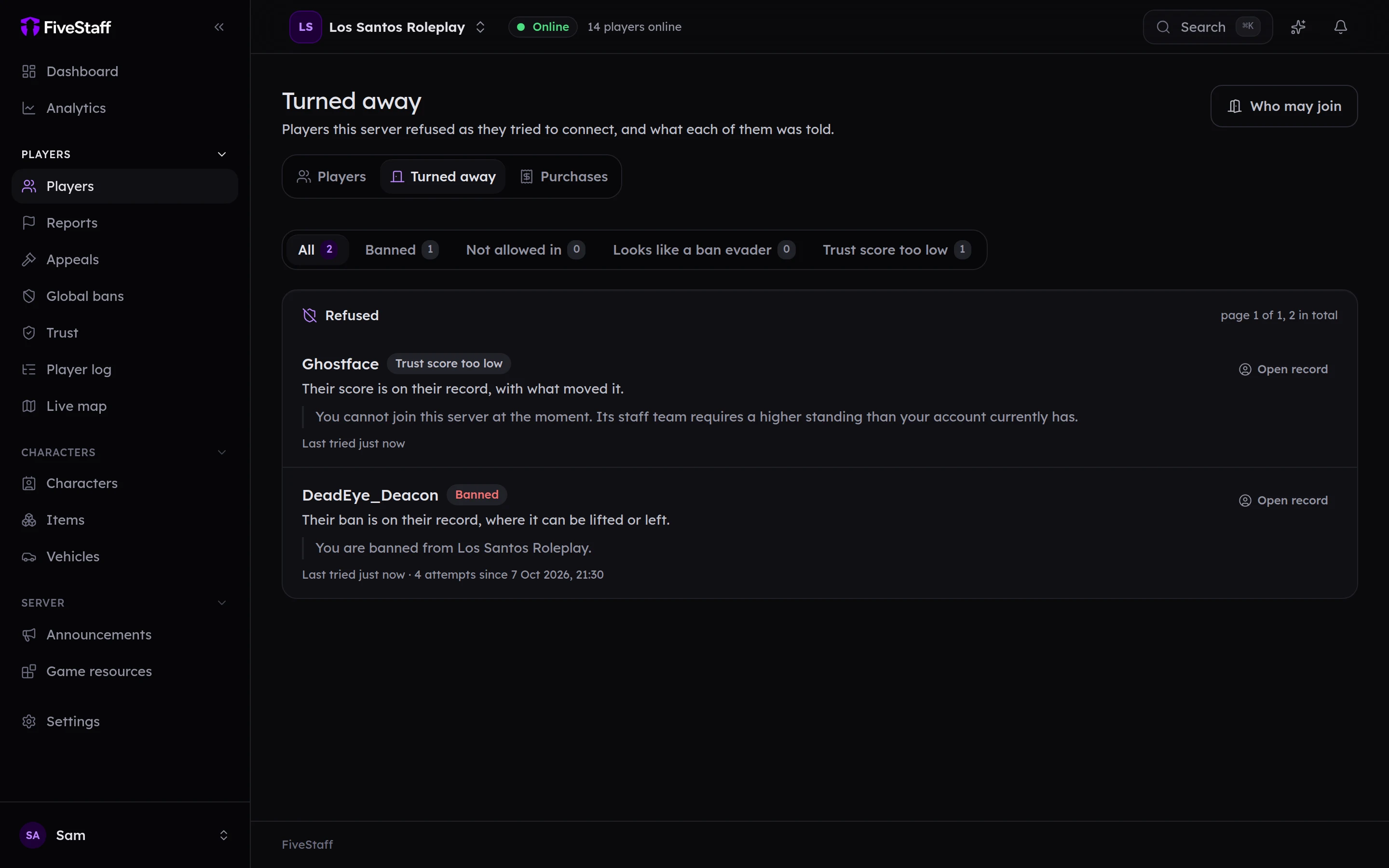
Filter by why they were refused:
- Banned: they have a ban in force.
- Not allowed in: they are not covered by who may join.
- Looks like a ban evader: they share identifiers with a banned player and you refuse those.
- Trust score too low: they are below your join gate.
Each entry shows the exact message the player saw, when they last tried and how many times.
- Open record goes to their profile.
- Add to the allow list lets somebody refused for Not allowed in straight in next time.