
Templates
Save the reasons and warnings your staff use most, so they pick one instead of typing it out every time.
On this page
Templates are saved reasons. When a member of staff takes an action on a player's profile, they can pick a template and the reason is filled in for them. They can still change it before sending.
Go to Settings → Templates.
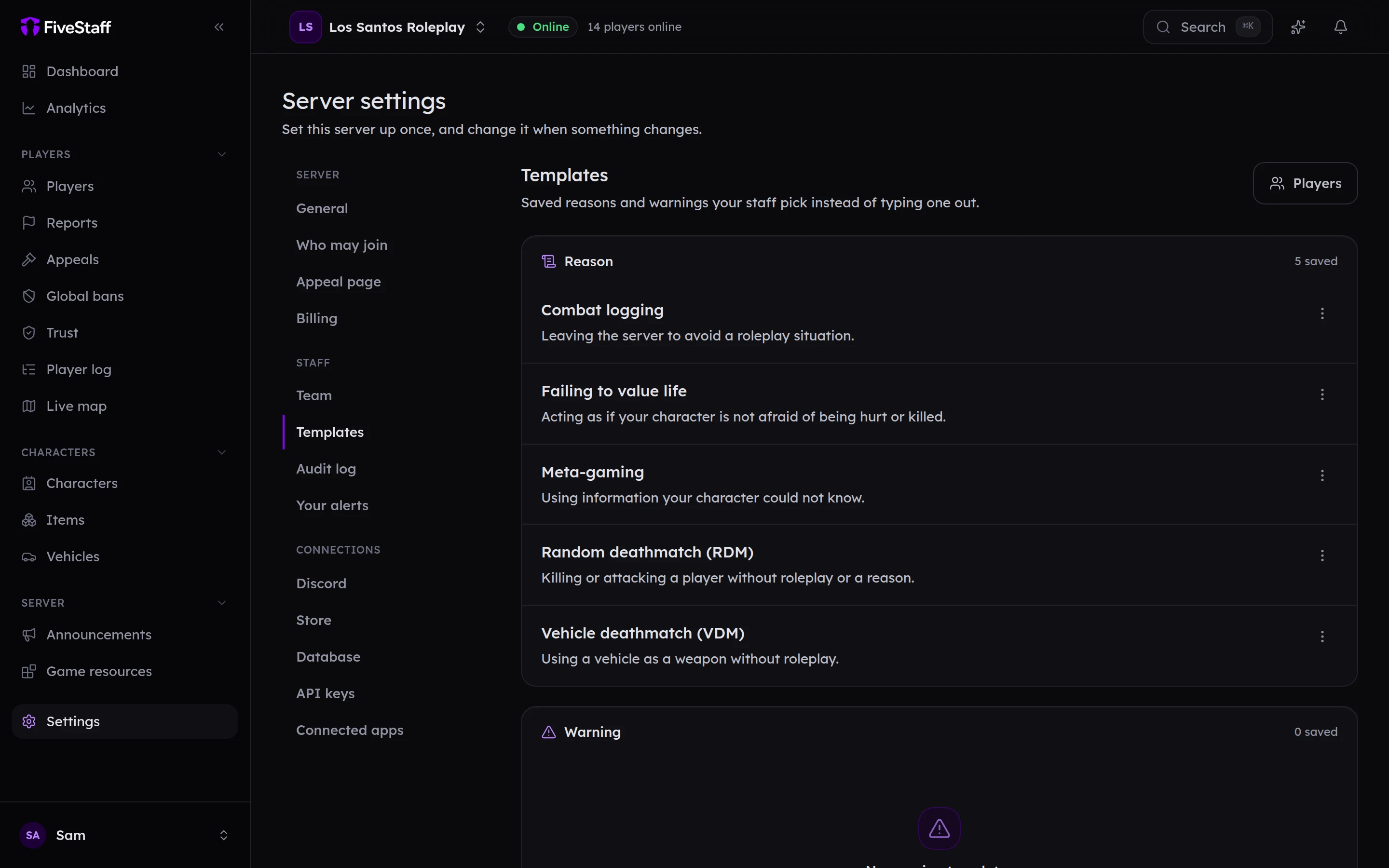
Two kinds#
- Reason templates are offered for notes, commendations, kicks and bans.
- Warning templates are offered for warnings, where the text is what the player reads.
Adding one#
- Press Add a template.
- Choose the Kind.
- Give it a Name, which is what staff pick from the list, such as
Vehicle deathmatch (VDM). - Write the Text.
- Press Add template.
Edit or delete a template from its ⋯ menu. Changing or deleting a template does not change records that already used it.