
The live map
See where every player on your server is, updated once a second, and jump straight to watching any of them.
On this page
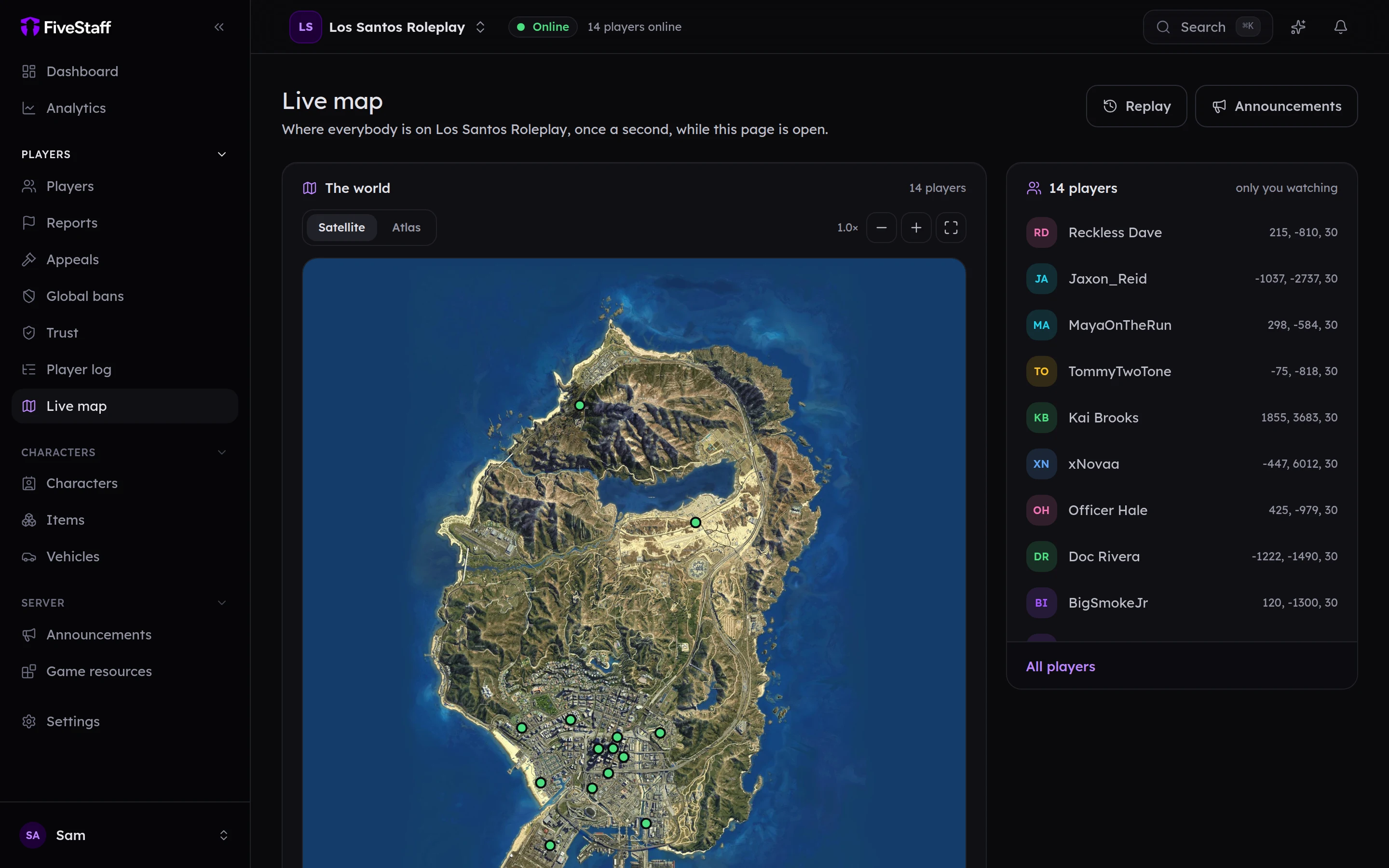
The live map shows where everybody on your server is, right now. Open Live map in the sidebar.
Using the map#
- Switch between Satellite and Atlas at the top of the map.
- Drag to move around and scroll (or pinch) to zoom. The arrow keys move, + and − zoom, and 0 shows the whole map.
- The list on the right names everybody on the map with their coordinates. Press a name to find them on the map.
Press a player's dot to see who it is, then:
- Profile opens their profile.
- Watch starts watching their screen straight away. See live view.
Replay#
Press Replay at the top of the live map to play back where everybody was over the last few minutes.
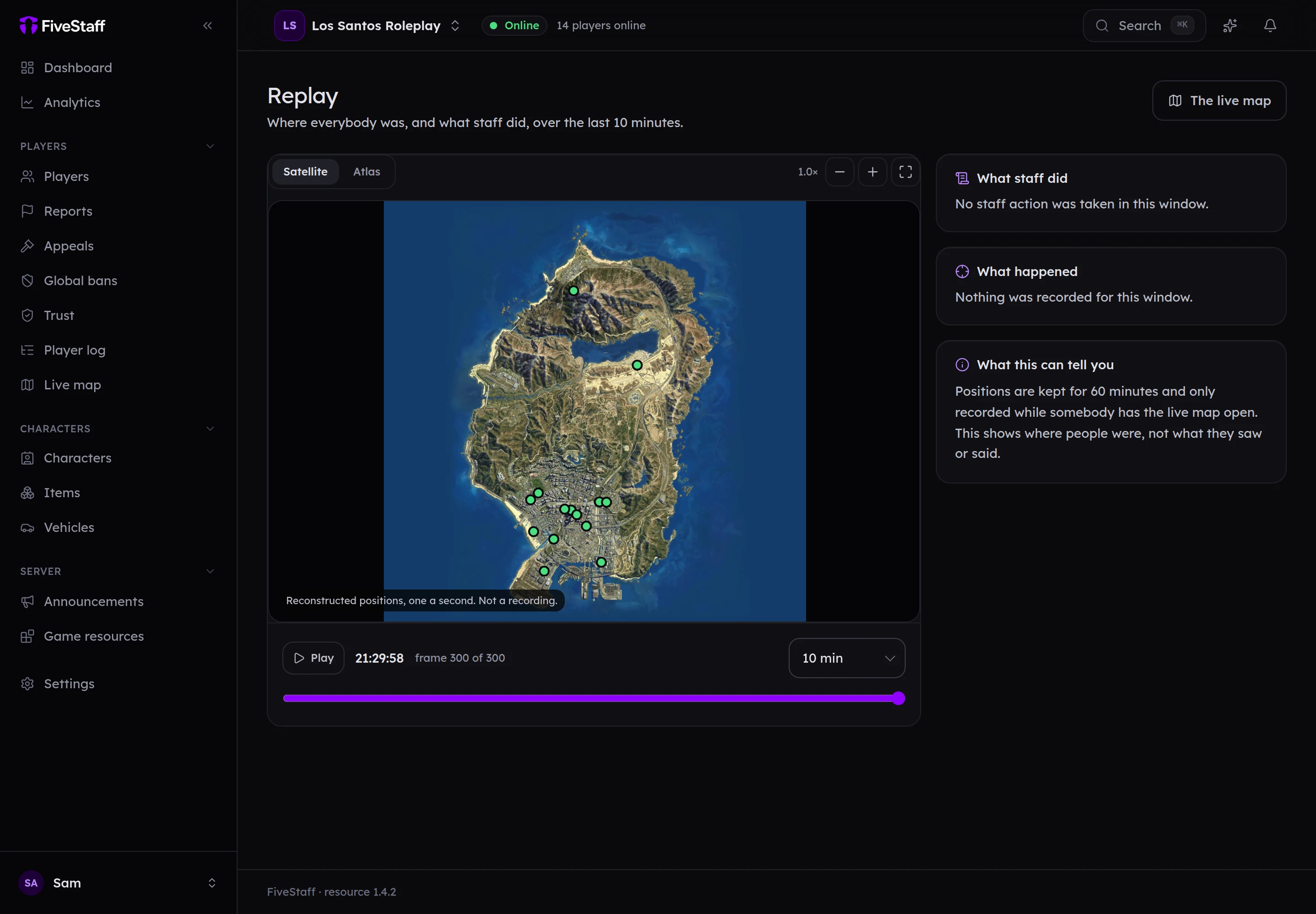
- Press Play, or drag the bar under the map to move through it a second at a time.
- Choose how far back to look: 5, 10, 20, 30 or 60 minutes.
- Press a player's dot to follow just them and whoever was near them. Everybody shows the whole server again.
- Marks on the bar show staff actions, deaths and crashes. What staff did and What happened list them; press one to jump to that moment.
You can also open a replay from a player's profile, and from a report, where it starts at the moment the report was made.
Replay shows movement that was recorded while somebody had the live map open, and keeps it for an hour. If nobody had the map open, there is nothing to play back, and the page says so. It is a reconstruction of where people were, not a recording of their screens.
Opening a replay is written to the audit log, like every other look at a player.
Good to know#
- Positions update once a second, but only while somebody has the map open. Your game server sends nothing when nobody is looking.
- If you switch to another tab, the map pauses, and it picks up again when you come back.
- The top of the list says how many of your staff have the map open.
- A player outside the edges of the map is shown at the edge.
- Needs the View the live map permission.