
Importing bans
Bring your existing bans across from txAdmin, EasyAdmin or vMenu, with their original reasons, dates and end dates.
If you are moving to FiveStaff from another admin tool, bring your bans with you so nobody gets back in.
Open Global bans and press Import bans.
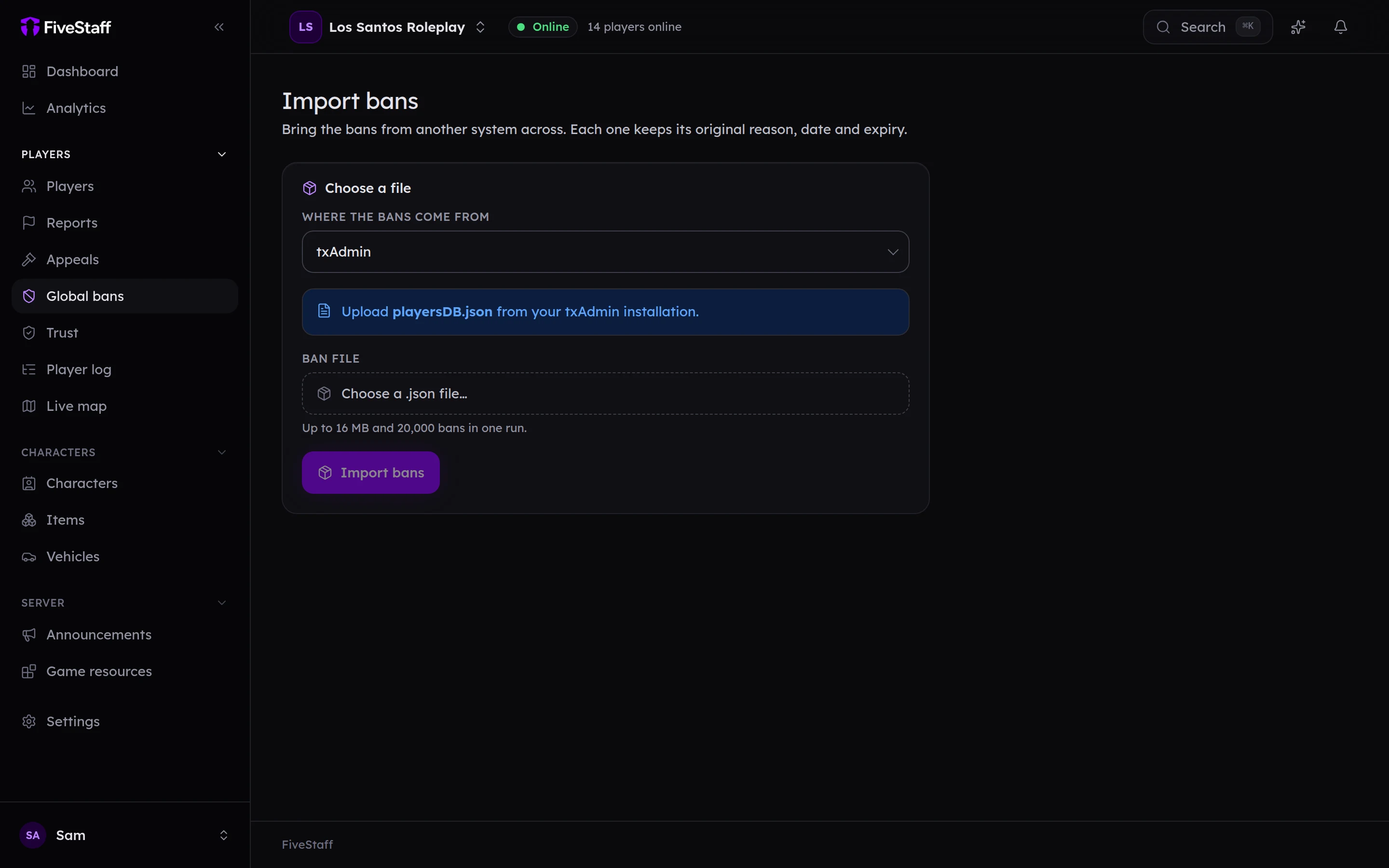
- Choose Where the bans come from.
- Choose the file. Which one depends on the tool:
- txAdmin:
playersDB.json, from your txAdmin data folder. - EasyAdmin:
bans.json. - vMenu:
bans.json.
- txAdmin:
- Press Import bans.
A file can be up to 16 MB and hold up to 20,000 bans. For more, split it.
Each imported ban keeps its original reason, date and end date. vMenu does not record when a ban was placed, so those are dated the day you import them.
When it finishes, the panel says how many were Imported, how many were Already here, and lists anything Skipped with the reason.
Importing needs the Import bans permission.