
Notifications and alerts
Choose what FiveStaff tells you about by email and push, server by server, and set quiet hours so nothing reaches you while you sleep.
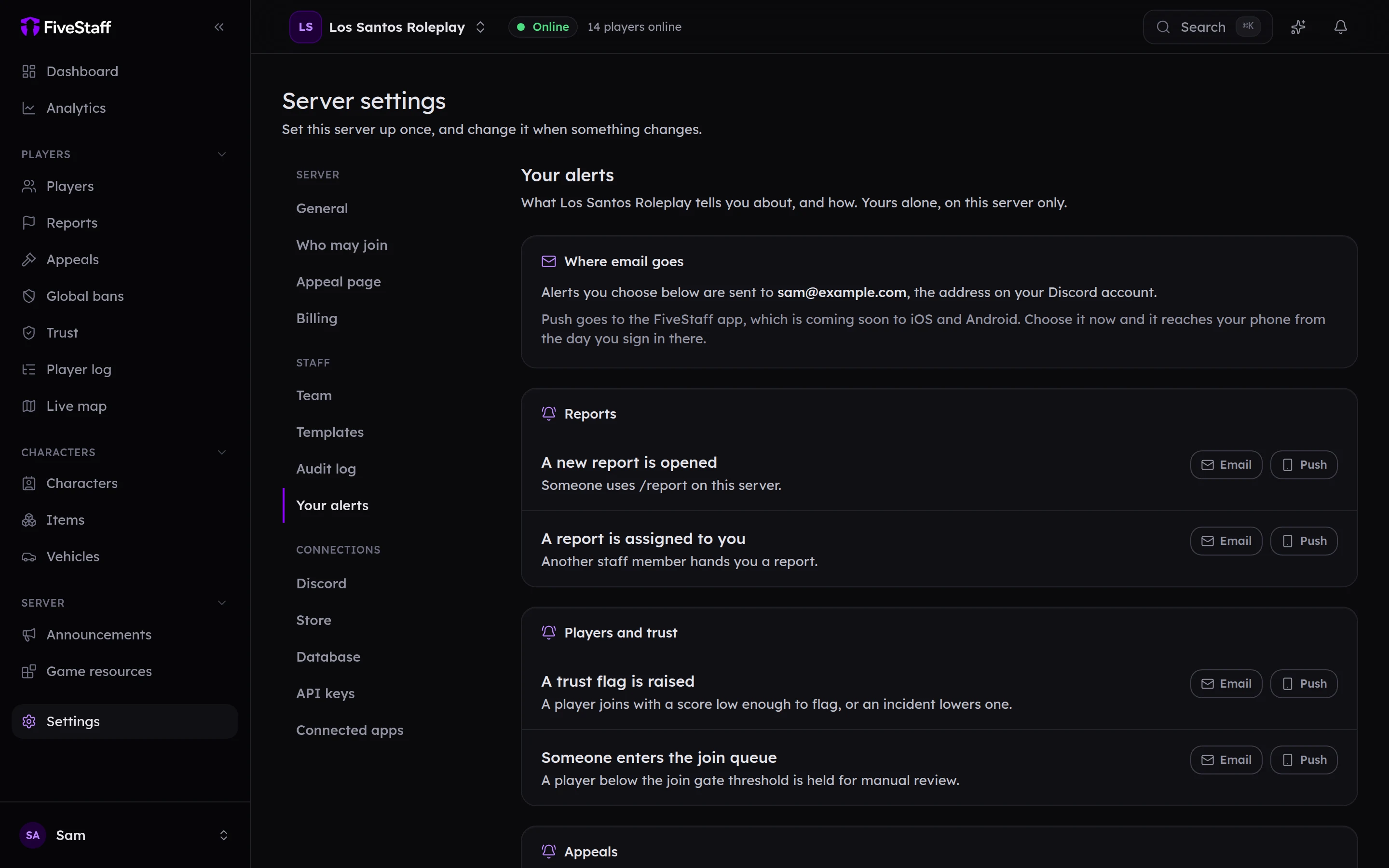
Every member of staff chooses what reaches them, separately for each server they are on. Nothing is sent until you turn it on.
Open Settings → Your alerts.
What you can be told about#
Each one can go by Email, by Push to the mobile app, or both. The app is coming soon to iOS and Android; choose push now and it reaches your phone from the day you sign in there.
| Group | Alerts |
|---|---|
| Reports | A new report is opened · A report is assigned to you |
| Players and trust | A trust flag is raised · Someone enters the join queue |
| Appeals | An appeal is submitted · A ban you placed is appealed |
| Your account | A new device asks for approval |
| Summaries | A weekly summary |
| Server | FiveStaff cannot post to a Discord channel · The player log is filling up · A player log rule fires |
You only see the alerts your role covers. Somebody who cannot read appeals is not offered appeal alerts.
Press Save preferences when you are done.
Quiet hours#
Turn on Keep quiet hours and set From, Until and your time zone. Nothing is sent inside those hours. The weekly summary waits until they end.
Emails that are always sent#
A few emails are always sent, because you need them: team invites, new device approvals, warnings about your data or plan, offers of a server, and security changes to your account.
In the panel#
The bell at the top of the panel shows your notifications too. Press one to open it and mark it read, or press Mark all as read.