
Calls
Speak to a player in game straight from the panel. They hear you through their game and can answer with their microphone or by typing.
On this page
Calls let you speak to a player in game from the panel, without joining the server. It is perfect for a quick word, or a sit when you are not at your PC.
Making a call#
Open the player's profile and press Call, or press Call on the live view.
The panel plays a dialling tone while their game rings. In game, the player sees who is calling and chooses Accept or Decline.
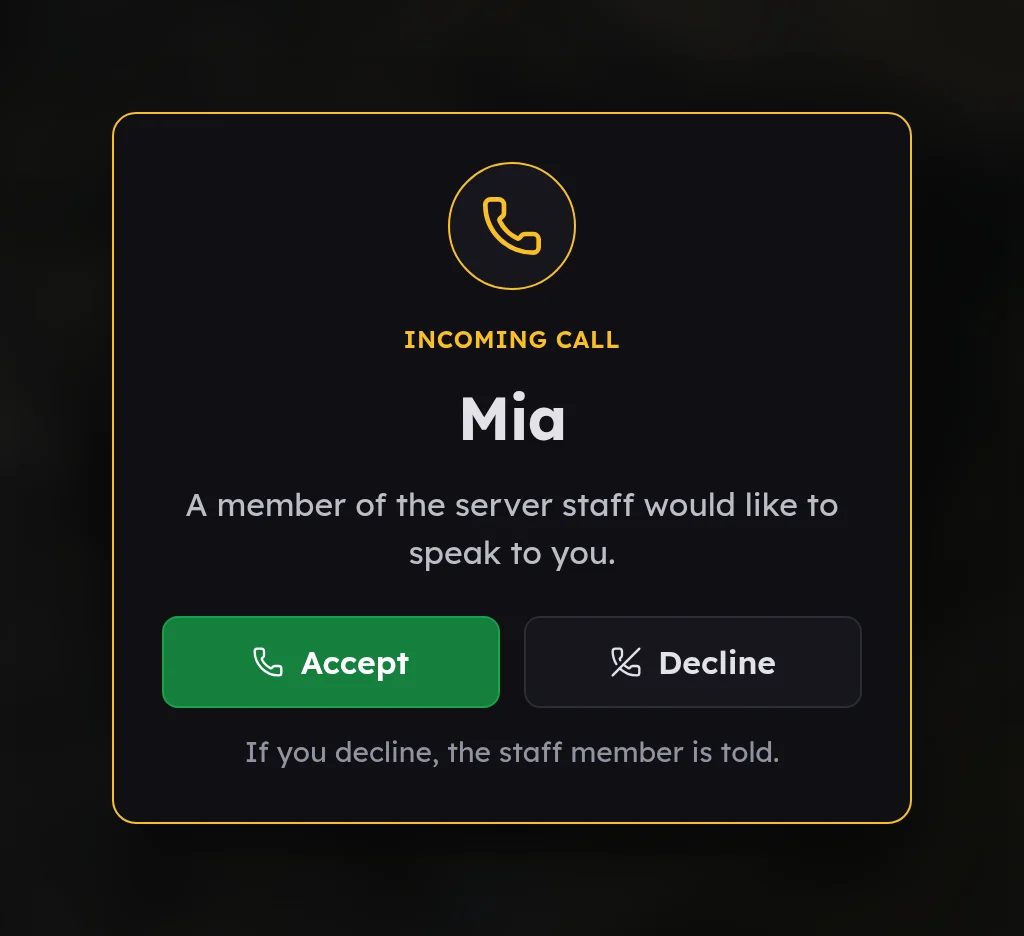
If they decline, or do not answer within 45 seconds, the panel tells you.
On the call#
- A timer counts up on your screen and on theirs.
- Mute and Unmute turn your microphone off and on without ending the call.
- Watch their screen opens live view at the same time. The player knows they are on a call with you, but is not told about the picture.
- End call ends it. Only staff can end a call; the player cannot hang up.
The player keeps playing while you talk. A small panel in the corner of their screen shows they are on a call with staff.
If they have no microphone#
The first time staff call a player, their game asks whether staff may hear them.
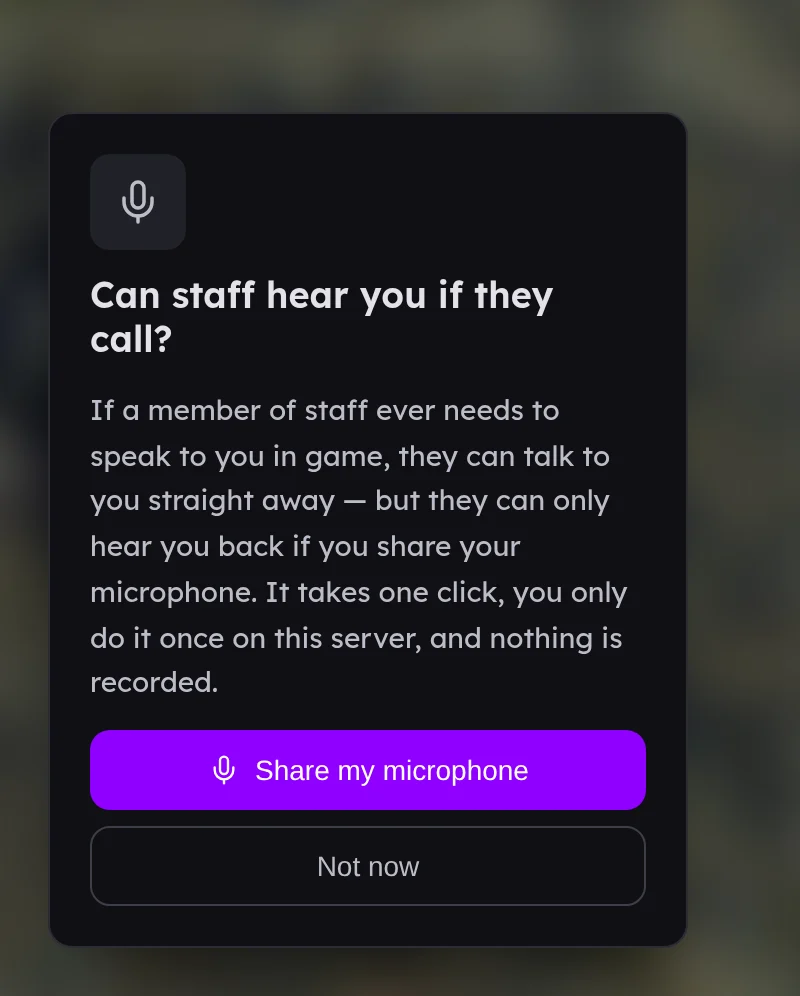
If they choose Not now, they can still hear you, and they answer by typing /reply followed by their message. Their replies appear in your call window as text.
What is kept#
Calls are never recorded. The audit log notes the call and how long it lasted, or that the player declined or did not answer.