Players
Find anybody who has ever played on your server by name or identifier, filter by status or trust, and open their profile.
On this page
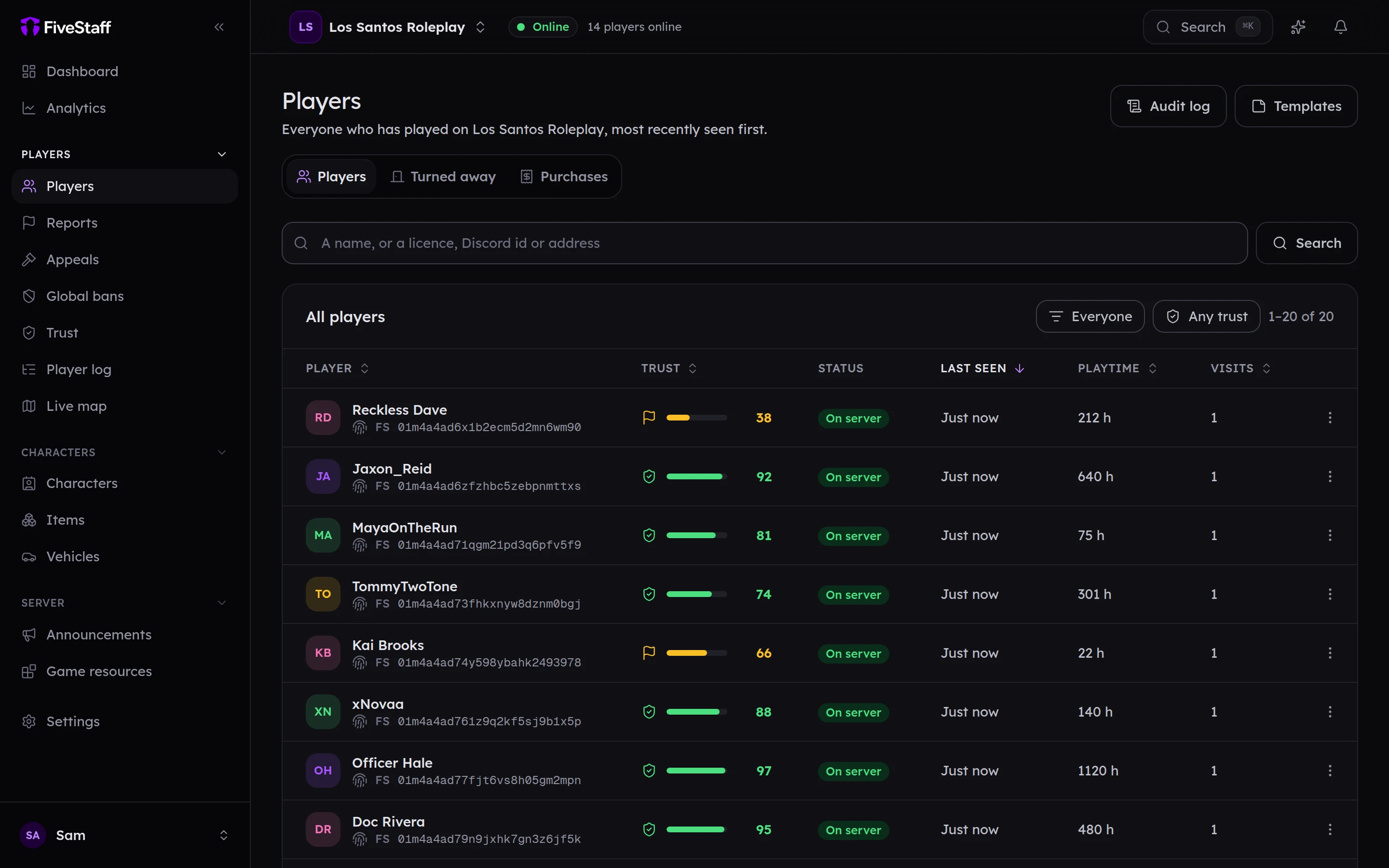
Players lists everybody who has ever joined your server, most recently seen first. FiveStaff adds a player the first time they connect, so the list starts filling the moment the resource is installed.
Finding someone#
Type into the search box and press Search.
- A name: matches any part of the name, so
davefinds "Reckless Dave". - An identifier: paste a licence, Discord ID, Steam ID or IP address to find the exact player. This needs the View identifiers permission, and the whole value, not part of it.
You can also press Ctrl K anywhere in the panel to search players, reports and pages at once.
Filtering#
- Everyone / On server / Offline / Banned: who is shown. Banned means a ban is in force right now.
- Any trust / High trust / Flagged / Low trust: by trust score. Only shown if your role can see trust scores.
Press a column heading to sort by it. Trust, Last seen, Playtime and Visits all sort.
Quick look#
Press a player's name for a Quick look: their trust score, playtime, number of records and their last five records. From there you can watch their screen or call them if they are online, or open their full profile.
Other player lists#
The tabs at the top of the page lead to two more lists:
- Turned away: players your server refused as they tried to connect. See turned away.
- Purchases: what players bought from your Tebex store. See Tebex.
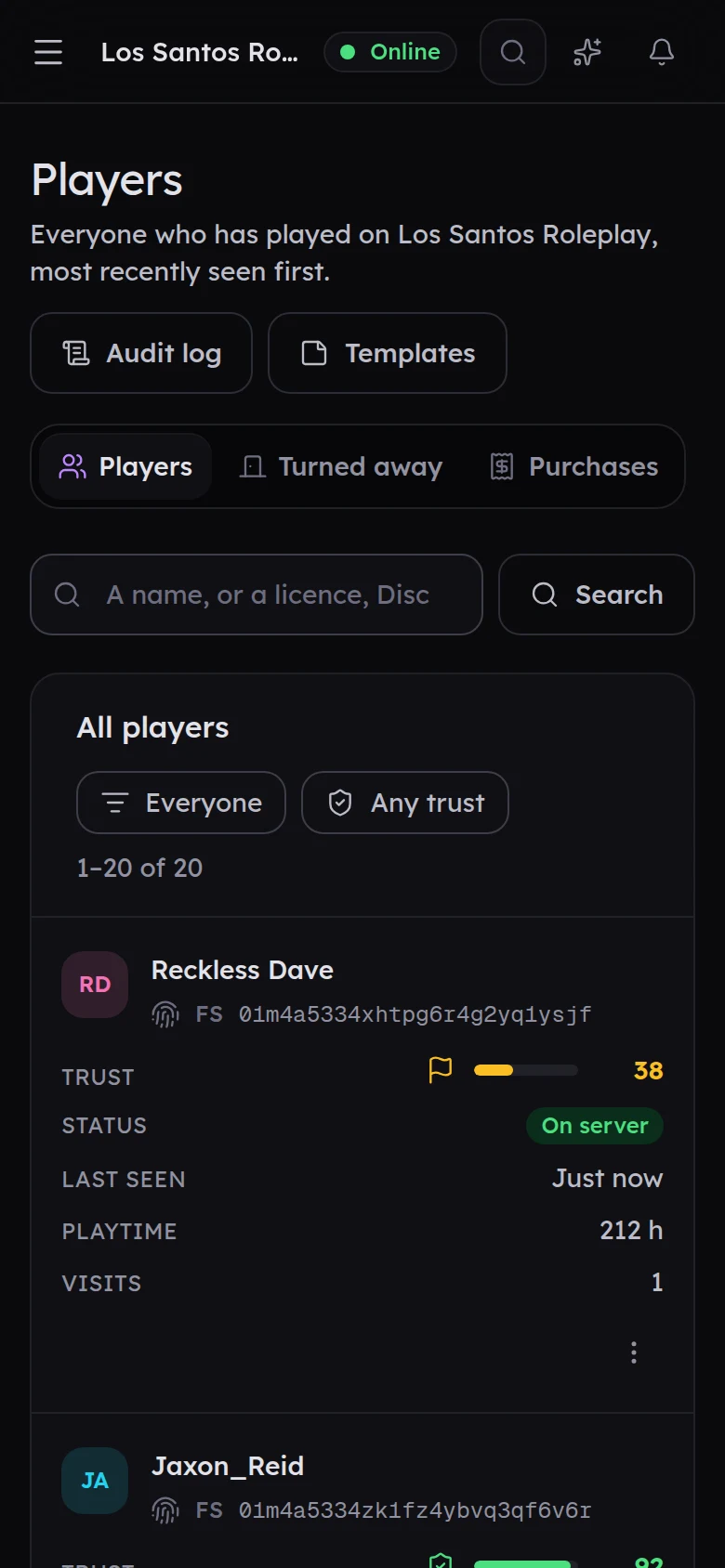
On a phone#
Every screen in the panel works on a phone. Tables turn into cards, so nothing is hidden.