
The dashboard
What your server's dashboard shows at a glance, and the quick actions that change the game world for everybody.
On this page
The dashboard is the first thing you see when you open a server. It answers "is everything all right?" in one look.
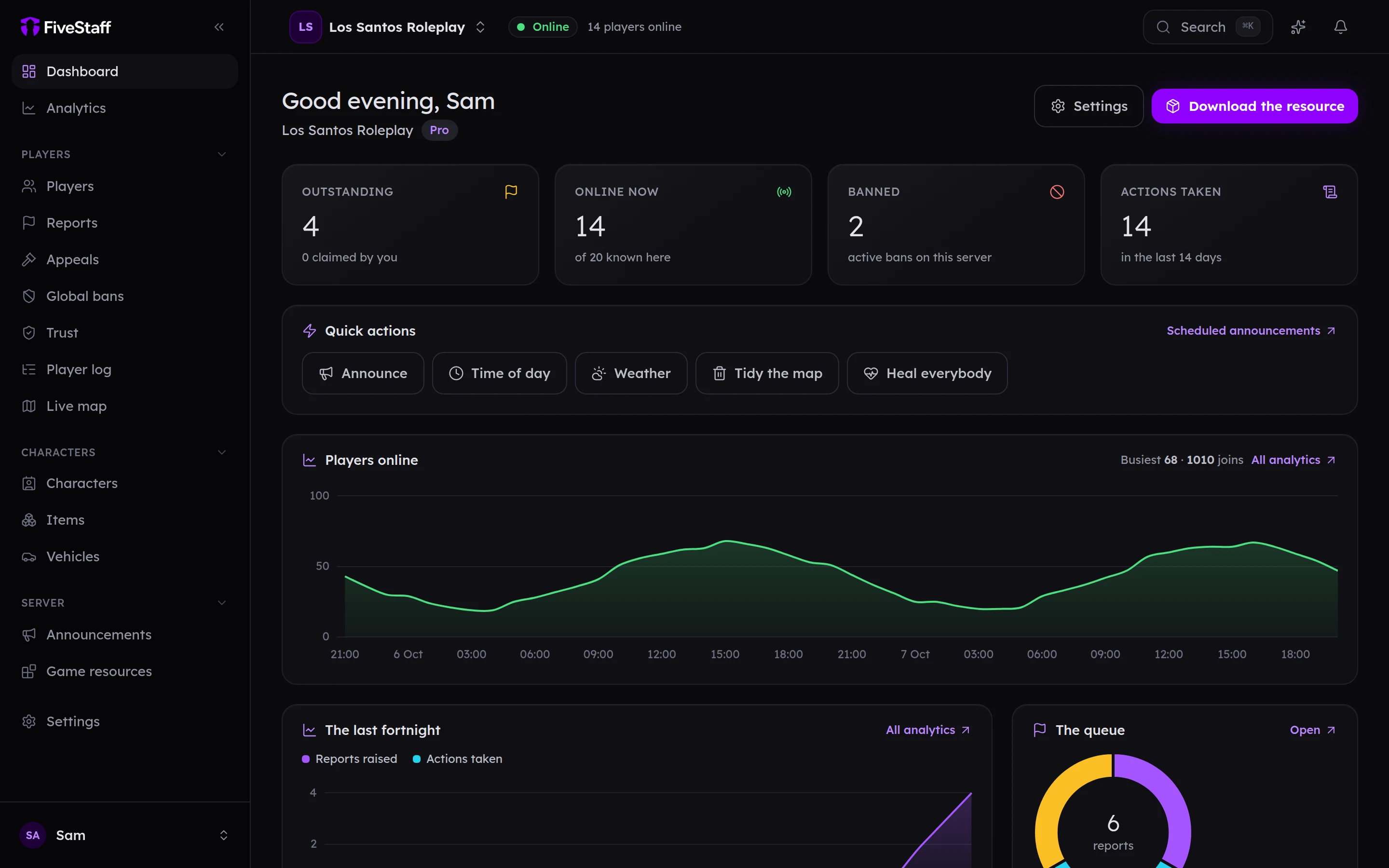
Along the top#
- Outstanding: reports still waiting, and how many of them you have claimed.
- Online now: players on the server right now, out of everyone who has ever played.
- Banned: bans currently in force.
- Actions taken: staff actions in the last 14 days.
Each card only appears if your role can see what it counts. A moderator who cannot view the audit log does not see Actions taken, for example.
The rest of the page#
- Players online: how busy the server has been, hour by hour, over the last two days. It fills in after the server has been connected for about an hour.
- The last fortnight: reports raised against actions taken, day by day.
- The queue: how many reports are open, claimed and closed.
- What staff do: the kinds of action your team takes most.
- Recent actions: the latest entries from the audit log.
- Connection: the framework FiveStaff found, the resource version and when the server was last heard from.
Quick actions#

| Button | What it does |
|---|---|
| Announce | Puts a message in front of everybody playing. See announcements. |
| Time of day | Sets the in-game time for everybody. |
| Weather | Changes the weather for everybody. |
| Tidy the map | Clears abandoned vehicles, dropped props or stray characters. |
| Heal everybody | Heals every player and revives anybody who is down. |
World controls explains each one. Every button needs its own permission, and every use is written to the audit log.
When the game server is offline, the world buttons disappear, because there is no world to change. They come back on their own when it is online again.